AI Storyboarding
Visualize 87 page script

Drawstory is AI tool for Directors to storyboard, create movie pitch deck and film pre visualization

Try now
White right arrowWhite right arrow
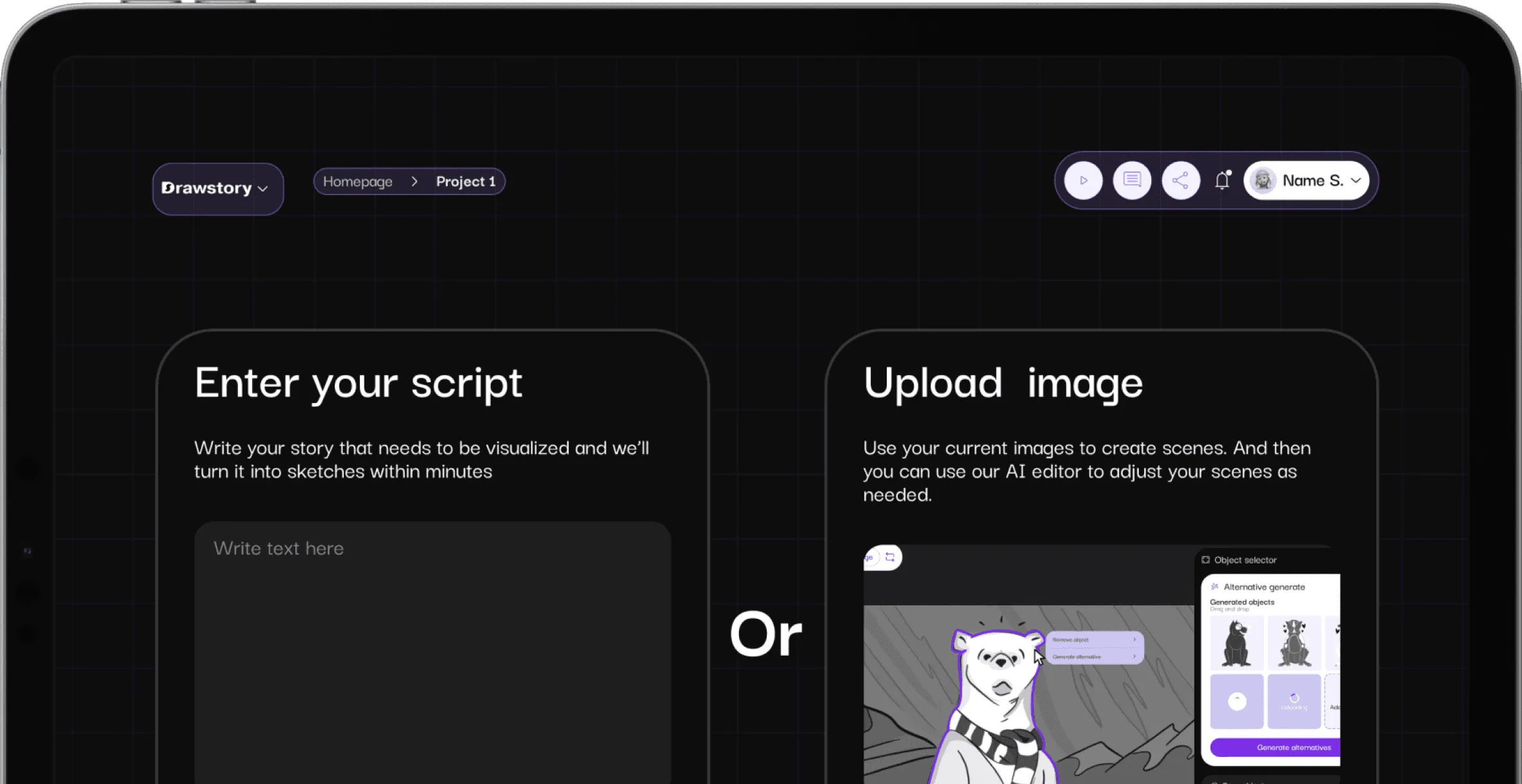
Tablet screen showing a black and white Drawstory storyboard with three panels, each featuring bears in outdoor mountainous scenes.Tablet screen showing text editor titled 'POLAR BEAR' with scene descriptions about polar bears and coca-cola in icy settings.User interface of Drawstory story creation feature with options to enter a script or upload images, featuring a partially visible drawing of a bear and menu icons at the top.

Script To Storyboard

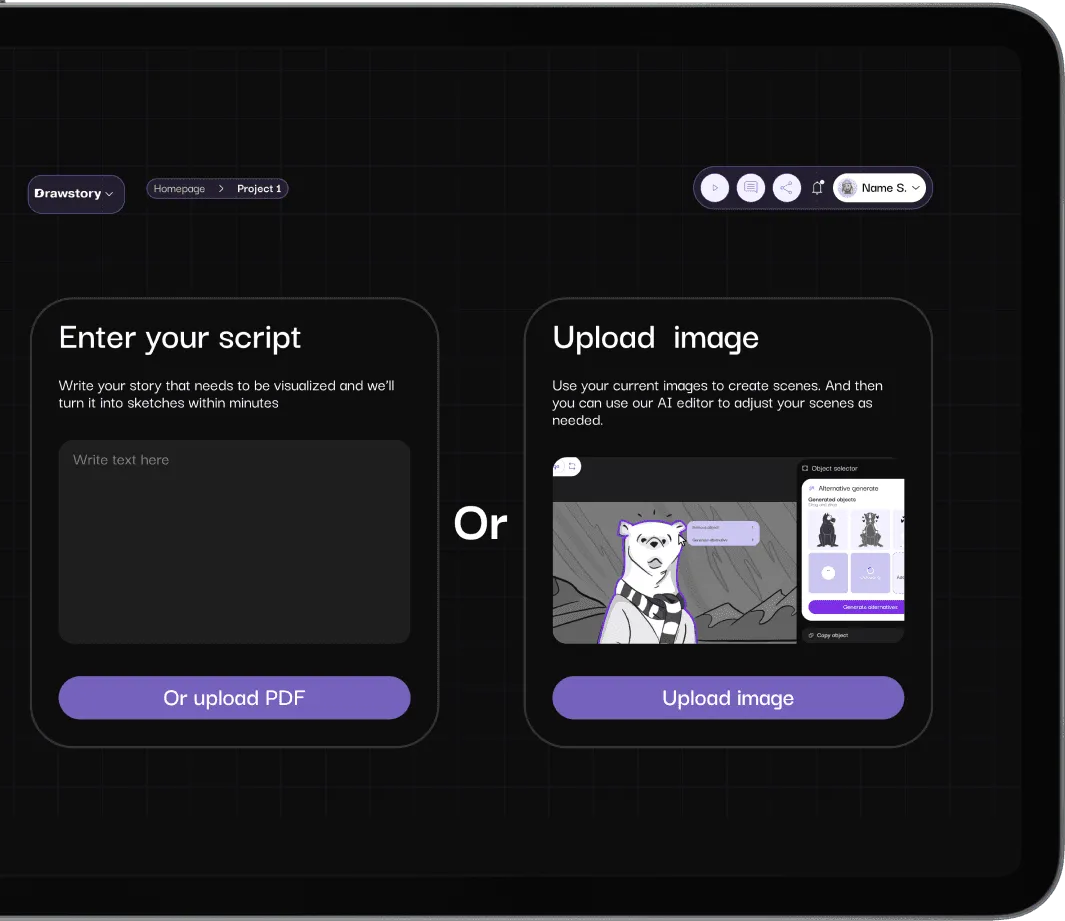
User interface for Drawstory app showing options to enter a script or upload an image for AI-generated sketches, with buttons for uploading PDF or image.User interface with options to enter a script or upload an image, featuring text boxes and buttons for PDF upload and image selection.

AI storyboarding

Upload or paste your script, let Drawstory.ai process it in seconds, and create storyboard for movie.

Try now
White right arrowWhite right arrow
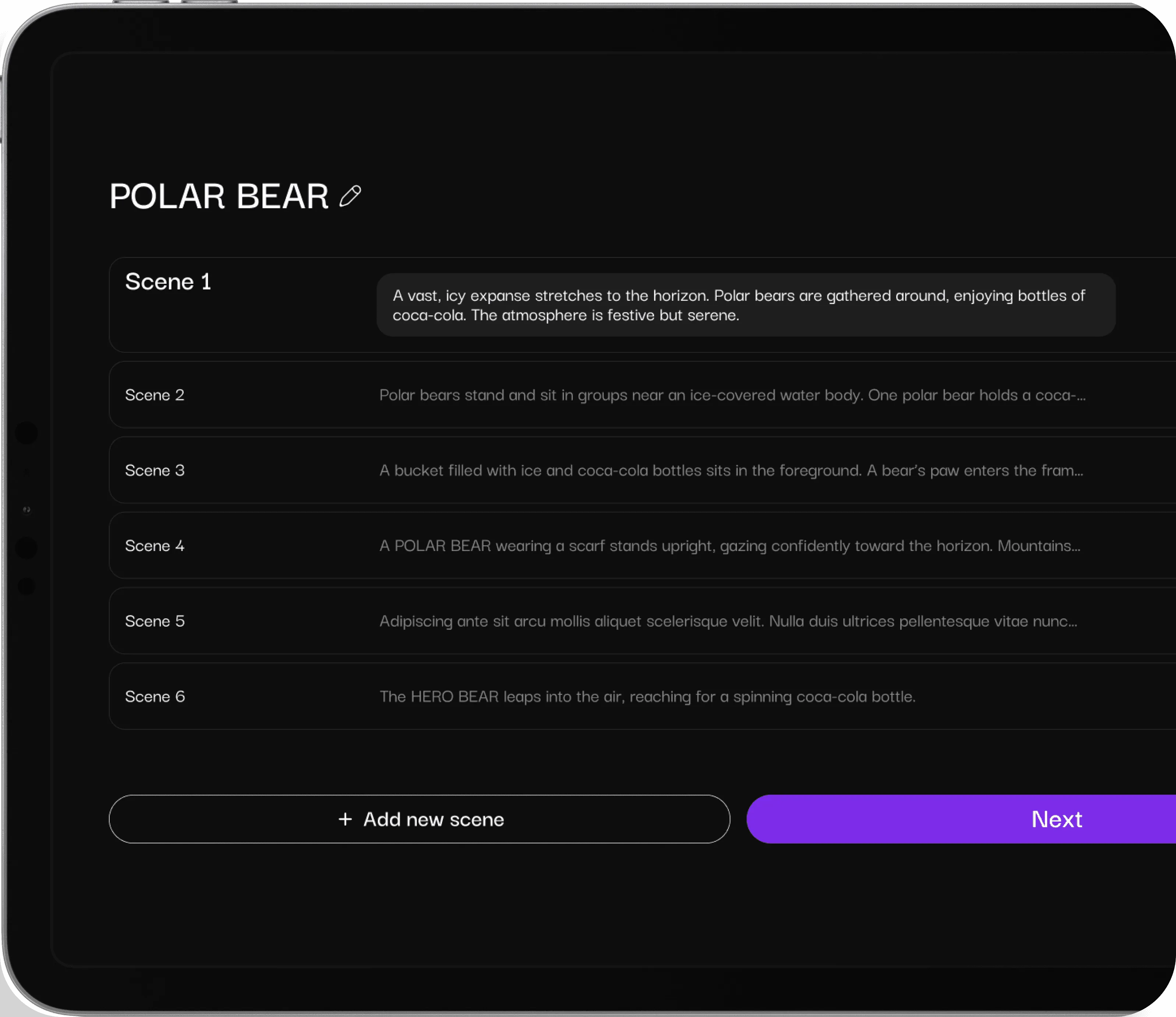
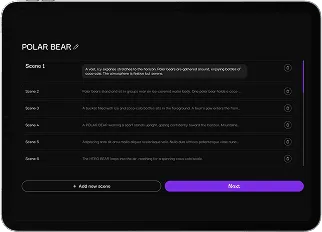
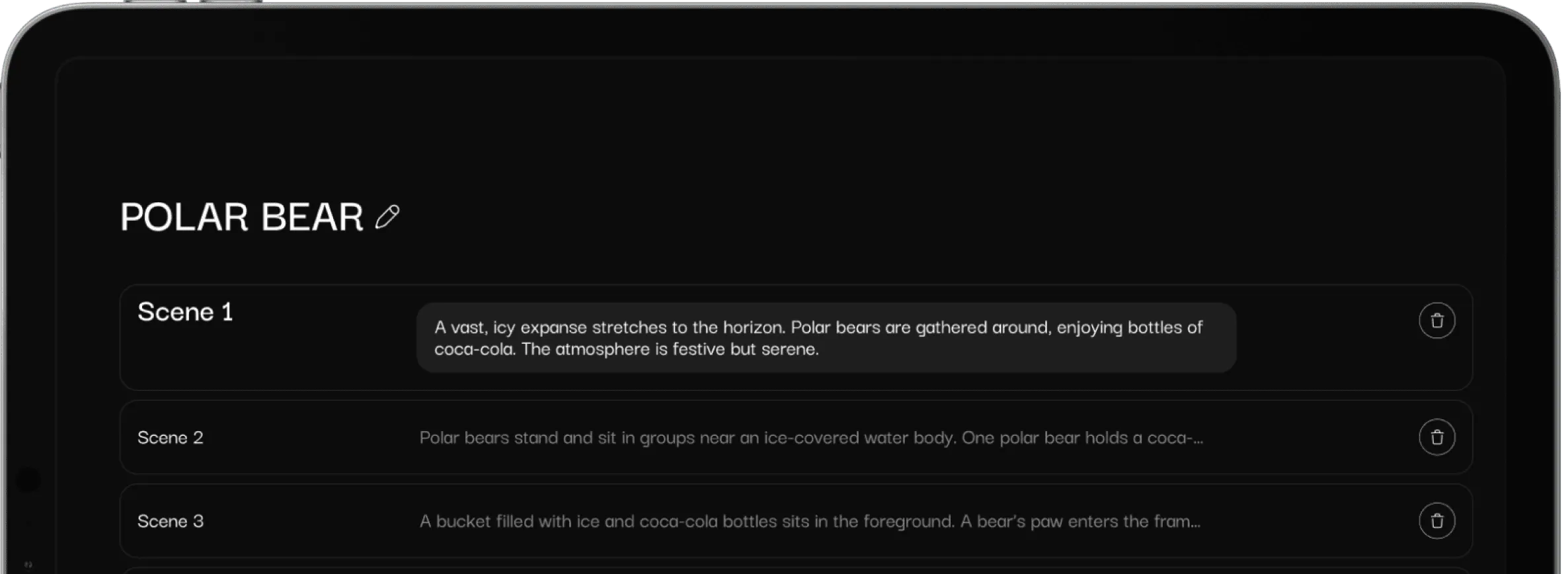
Tablet screen displaying a storyboard titled 'POLAR BEAR' with six scenes describing polar bears interacting with Coca-Cola in a snowy setting, and buttons to add a new scene or go to the next step.User interface screen titled 'POLAR BEAR' showing a list of six editable scenes with descriptions and plus icons, plus buttons labeled 'Add new scene' and 'Next'.

script to storyboard

Create shot list from script by simply uploading your text-based story

Try now
White right arrowWhite right arrow

Got Questions?

Find clear answers to common questions about Drawstory, our services, process, and how we bring your ideas to life.

What script languages does the AI storyboard generator support?
plus sign icon

Drawstory’s AI storyboarding tool works best with English scripts, but it also supports many global languages. As long as your script is clear, the AI for storyboarding can interpret your scenes and visulize script. English  Spanish  French  German  Italian  Portuguese  Dutch  Russian, Armenian  Chinese (Simplified & Traditional)  Japanese  Korean  Arabic  Turkish  Polish  Ukrainian  Vietnamese  Indonesian

Can Drawstory create a pitch deck after I upload my script?
plus sign icon

Yes. After uploading your script, Drawstory can automatically generate a complete pitch deck. The AI storyboarding system organizes your scenes, visuals, and descriptions into a polished presentation, making it easy to pitch your film, series, or animation project.

What is the maximum script length Drawstory supports?
plus sign icon

Drawstory allows you to paste scripts up to 87 pages. The AI storyboarding tool can handle full-length films, TV series, commercials, animation series without requiring you to split your script into smaller parts.

Can I edit an object in the shot?
plus sign icon

Yes. Drawstory includes powerful image-editing features that let you change or replace objects directly inside the shot. Whether you want to adjust a prop, tweak a background detail, or customize a character, the AI storyboarding tool makes it simple and fast.

Will my shot remain if I ask to remove an object?
plus sign icon

Absolutely! When you remove an object, Drawstory keeps the rest of the shot intact. The AI storyboarding engine only modifies the specific element you choose, preserving your overall composition, framing, and character positions.

Try storyboarding with AI

Our AI technology ensures that every character stays consistent throughout the entire storyboarding process, no matter the length or complexity.

Get Drawstory free
White right arrowWhite right arrow