
Who Choose Drawstory
Drawstory is built to communicate a creative brief clearly and visually without pinterest image examples and back-and-forth explanations.
Use cases
Drawstory is built to communicate a creative brief clearly and visually without pinterest image examples and back-and-forth explanations.

Brands and Marketing Teams
Brand managers and in-house marketing teams can use DrawStory to turn their creative brief into a visual reference before involving an external agency. Instead of sending a text-only brief, you can share a clear visual direction that explains scenes, tone, pacing, and key messages. This helps agencies deliver work that aligns with the brand from the start.

Creative Agencies
Creative agencies use DrawStory to quickly visualize creative brief examples for client presentations and internal alignment. It helps creative directors and strategists validate ideas early, present concepts visually, and reduce misinterpretation before production begins.
Video and Production studios
For video teams, DrawStory acts as a visual video brief template. It helps production teams understand expectations around storytelling, framing, and structure, making pre-production smoother and more efficient.

Freelance commercial makers
Freelancers working with multiple clients can use DrawStory to standardize how they present ideas. Visualizing briefs helps clients understand concepts faster and speeds up approvals.
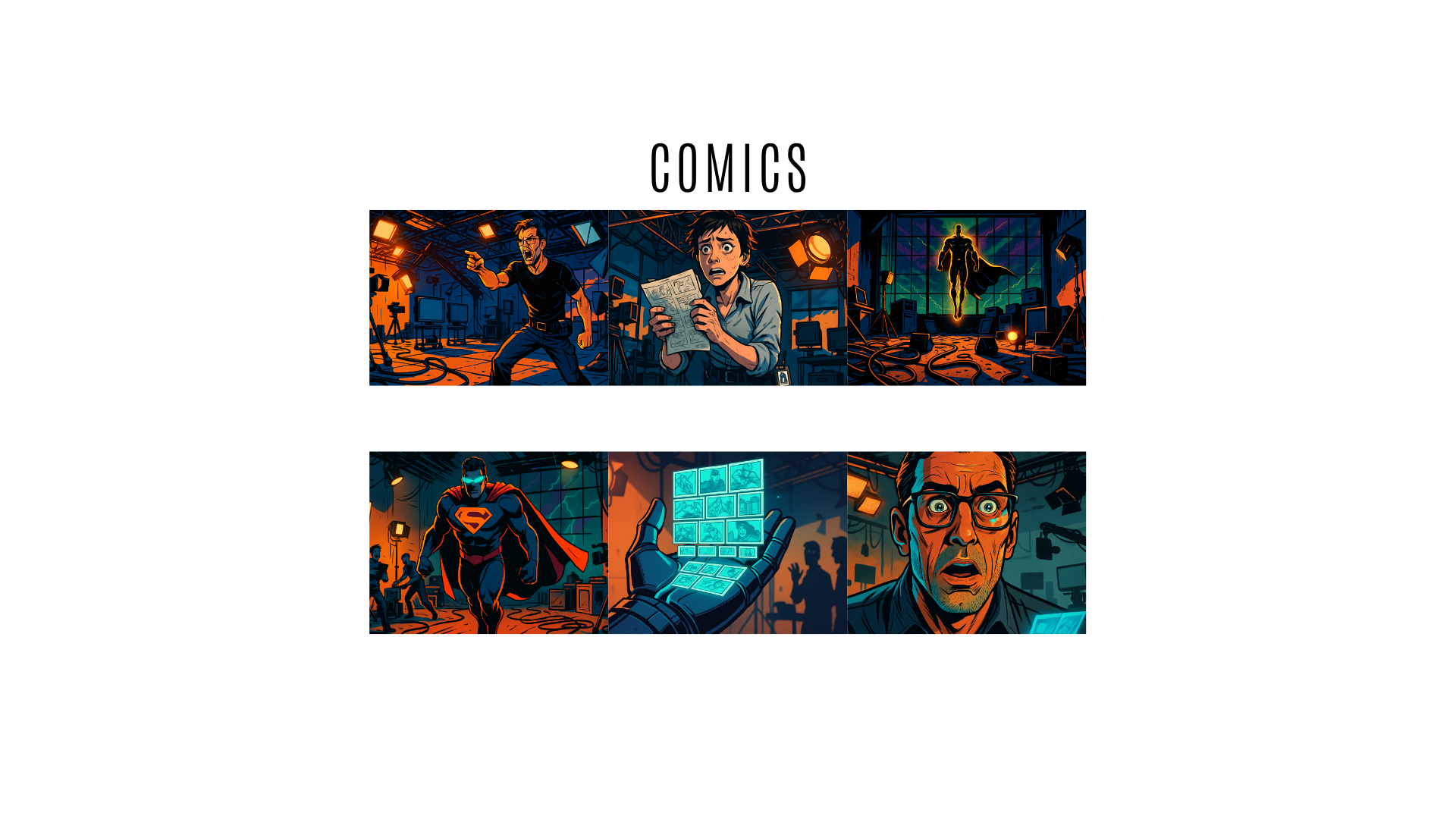
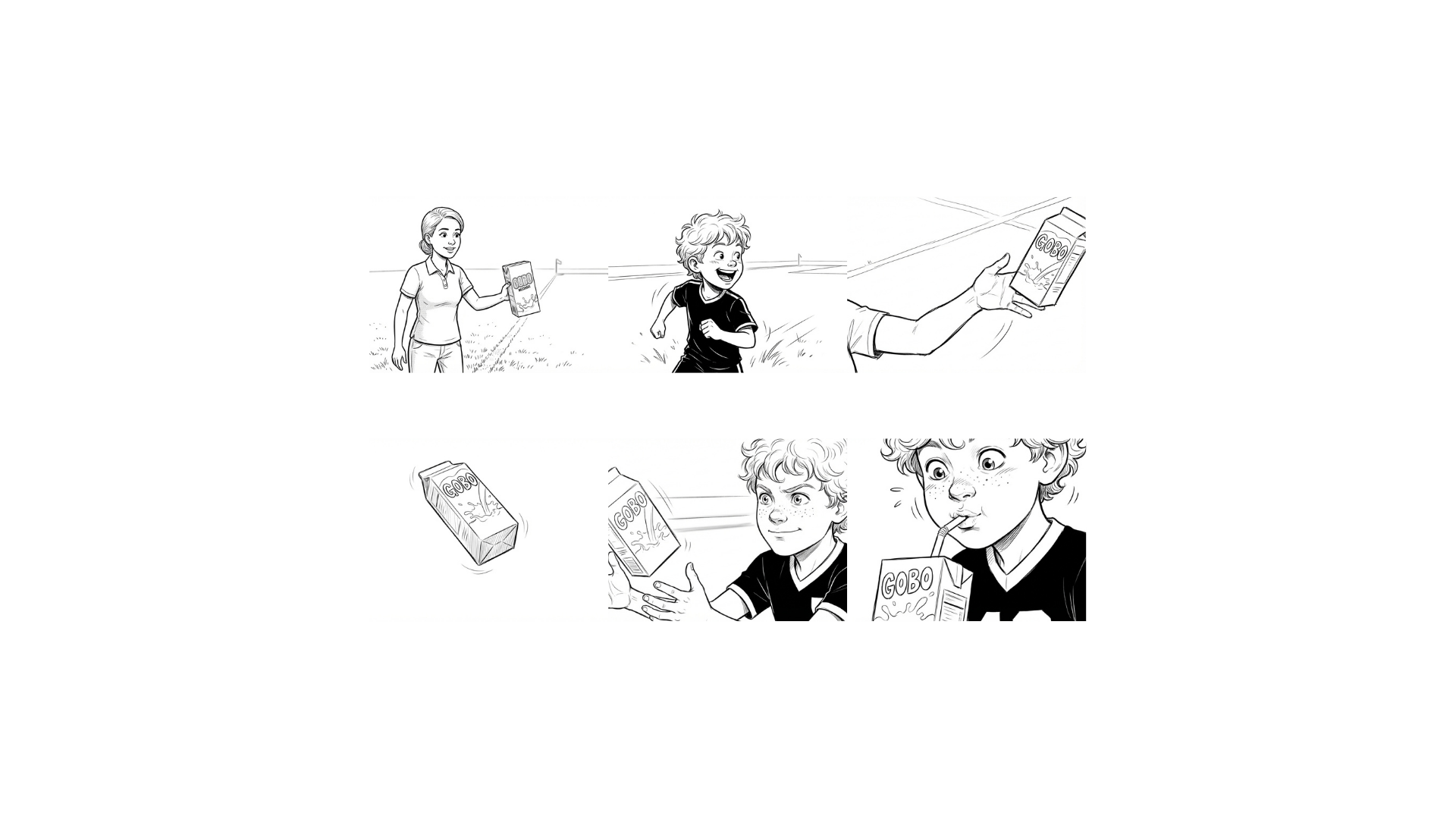
Turn your story into storyboard, comic and animation
Comics
Sketch style
Realistic

Animation

Short subheading or details
Historic Castle Ruins

Short subheading or details
Short subheading or details
Short subheading or details
Short subheading or details
Short subheading or details
Serene Forest Trail

Trusted by:


Professional AI storyboarding tool for Directors and Video productions
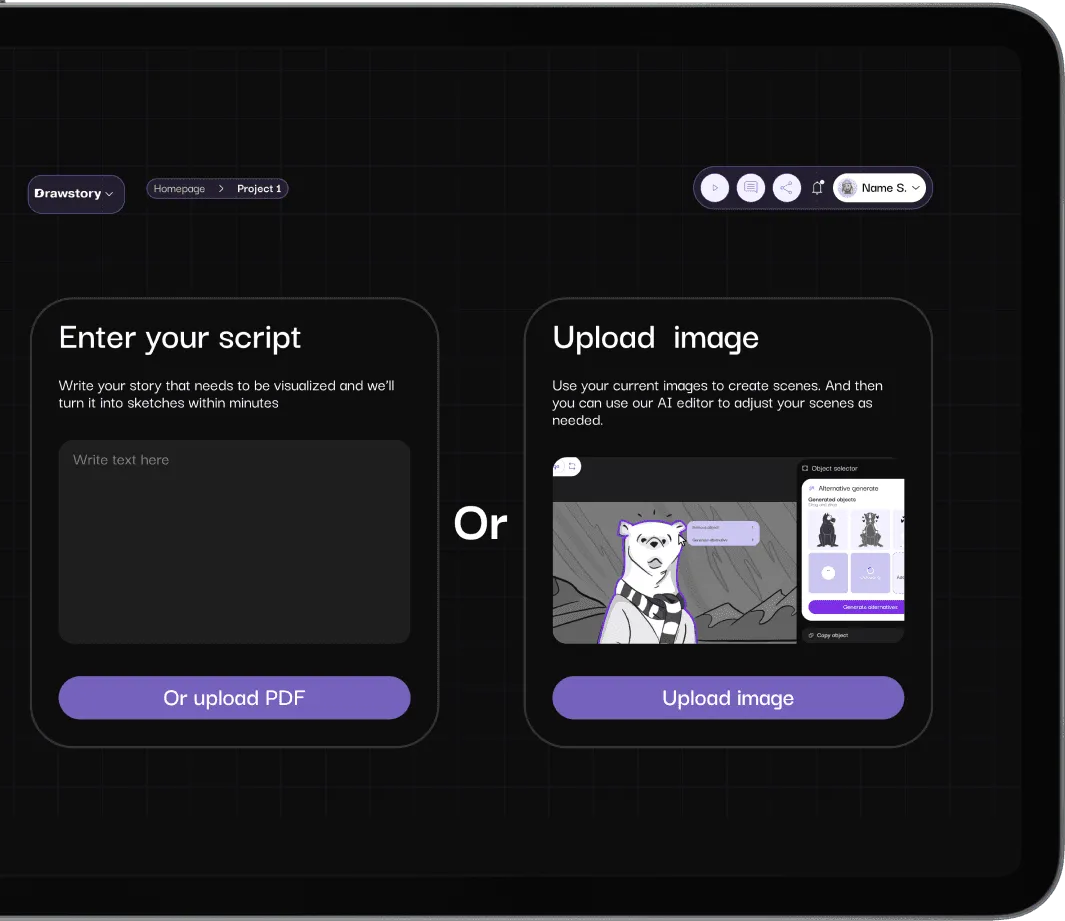
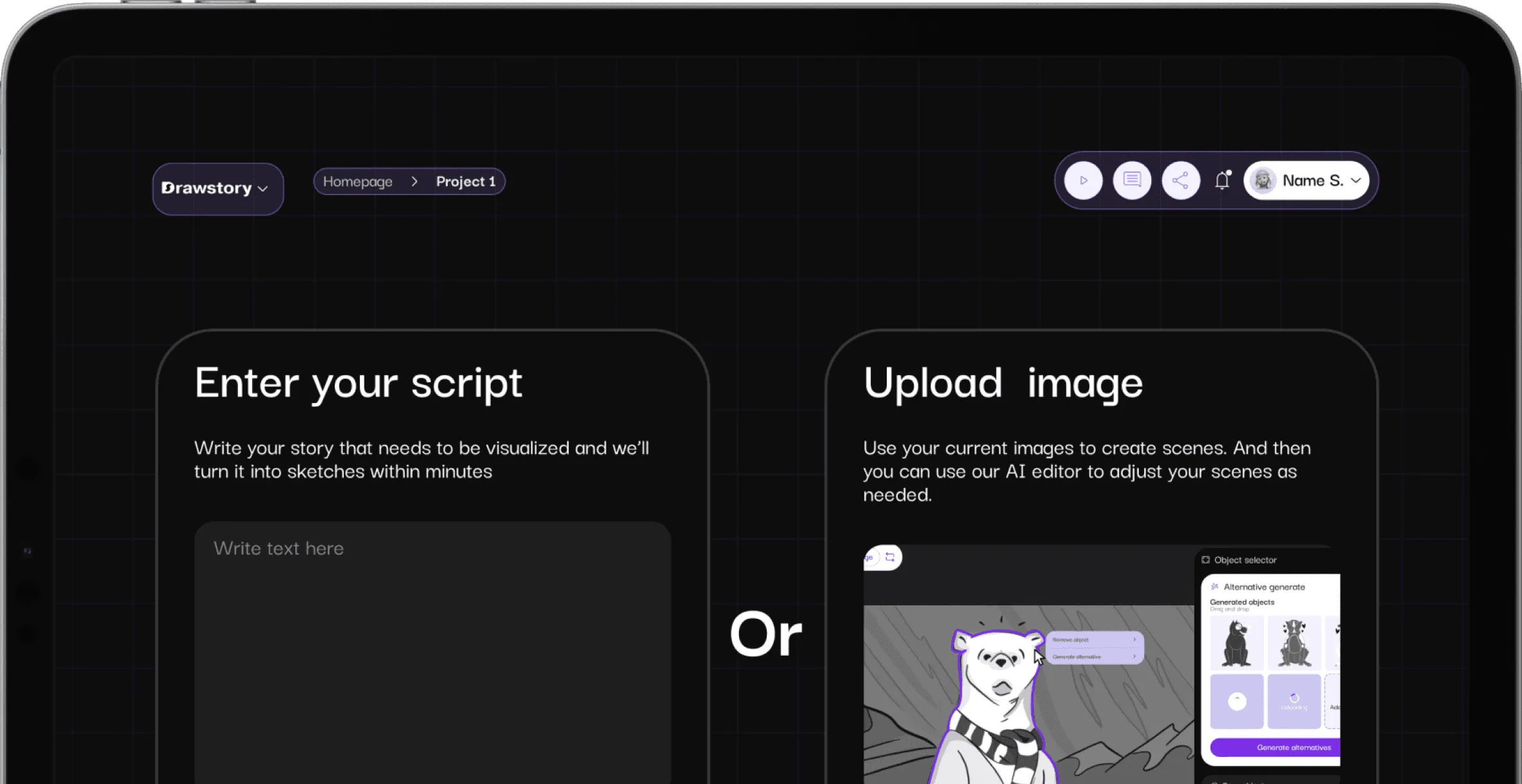
Upload your script
Drawstory can handle up to 100 paged scripts
Create storyboard
Create storyboard with your own characters
Without prompts
Instead of writing prompts Import script and shot list
Pricing plan
We offer flexible pricing plans tailored to your goals, budget, and creative needs.
Features:


Features:
Features:
Features:
Features:
Features:
Features:
Features:

Features
Script into Storyboards
Create storyboard with your characters by uploading them.
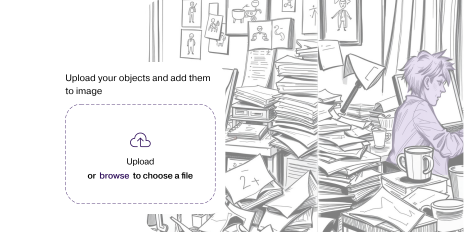
Script into Storyboards
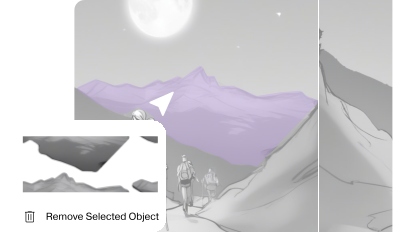
Select the object that needs to be removed and use the AI Object Remover. The object or character will be seamlessly removed while preserving the original scene
Upload your script
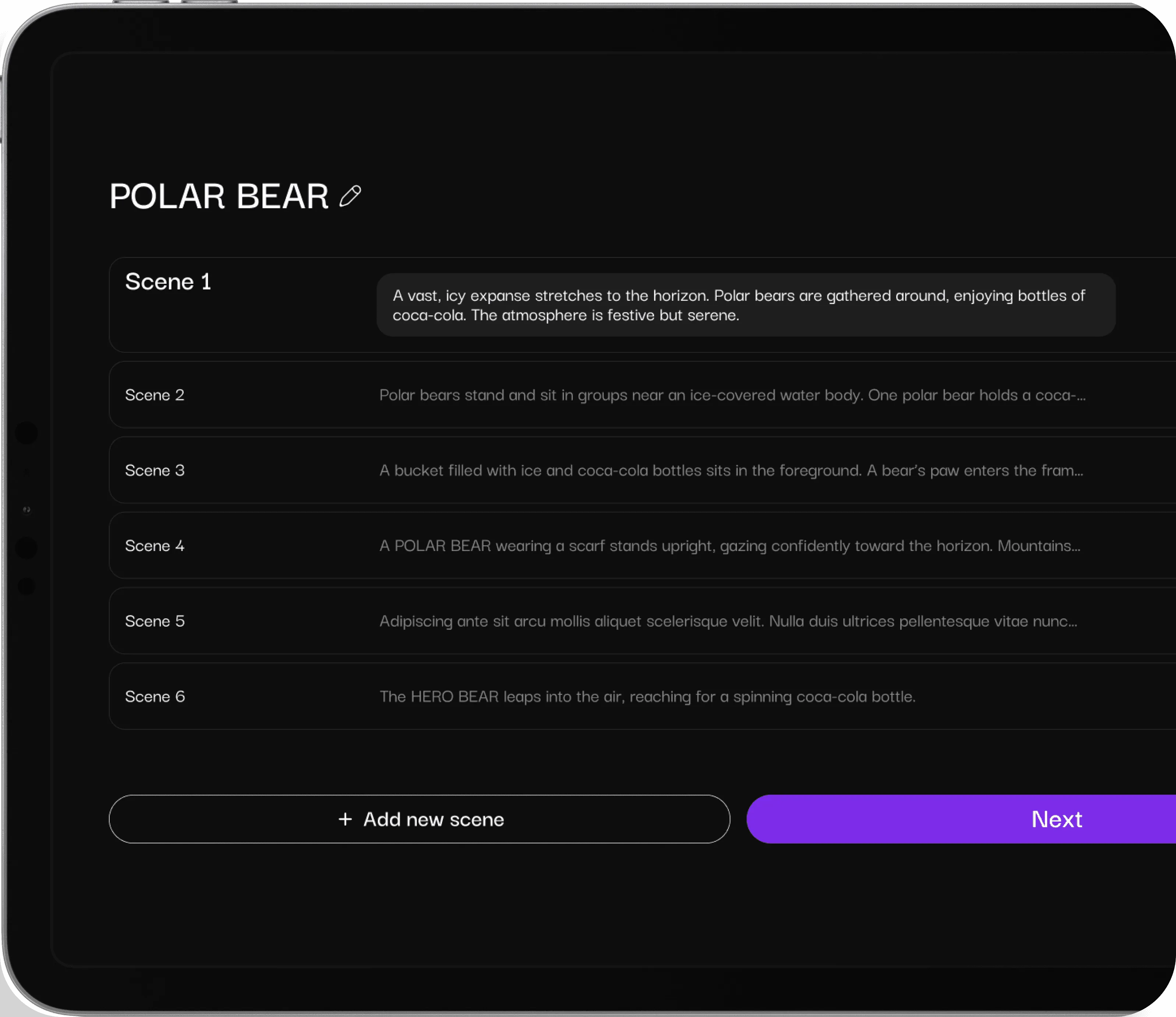
The AI assistant director analyzes your script to identify shots, characters, locations, and camera angles.
Upload characters
The AI assistant director will create the characters described in your script, while also giving you the ability to choose and customize them.
AI Shot List Breakdown
Create shot list from script by simply uploading your text-based story
Script into Storyboards
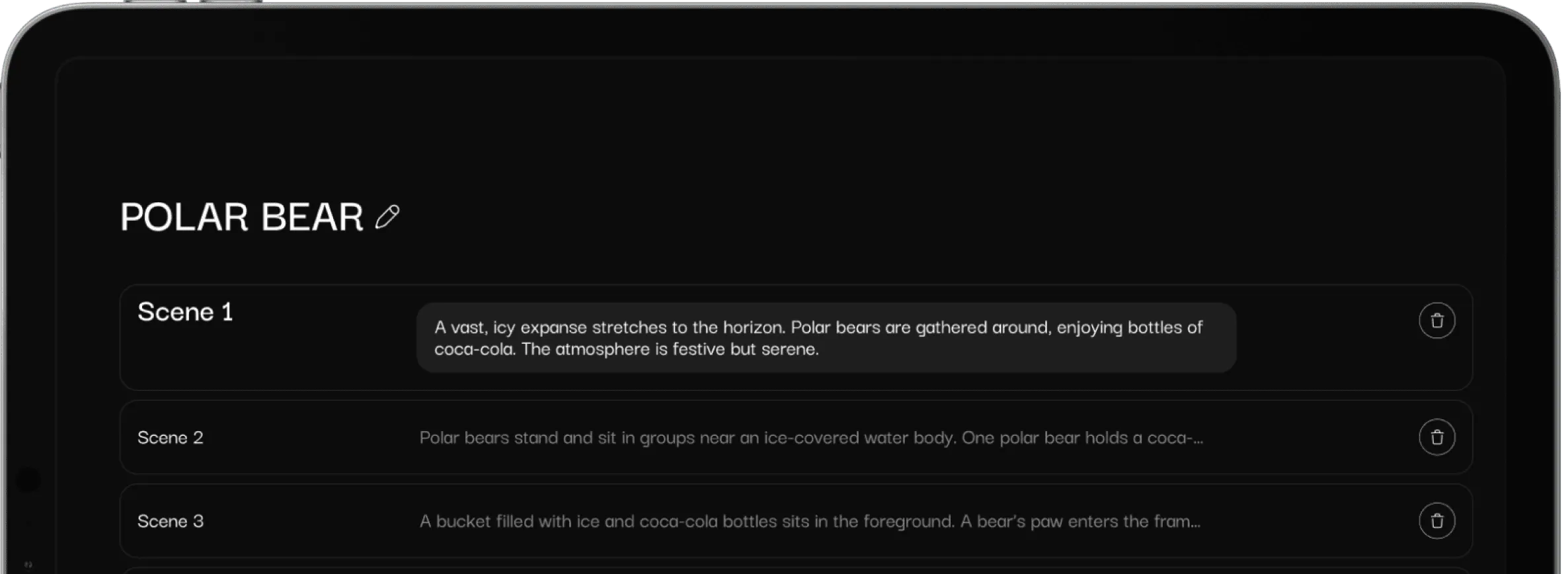
Upload or paste your script, let Drawstory.ai process it in seconds, and create storyboard scenes effortlessly.
Testimonials
Hear from our amazing clients who trusted us to bring their creative visions to life, are saying about Drawstory.

DrawStory has completely changed the way I work. Instead of spending hours sketching rough frames, I can now generate a structured storyboard from the script in minutes. It gives me a solid base to refine and add my artistic touch!

Ruben Samaryan
Film Producer
A great AI tool for Directors to create pitch decks and storyboards

Serj Gabyan
Director
Sharing storyboards with clients has never been this easy. Drawstory allows us to generate high-quality visuals quickly, making revisions a breeze. Our clients love the clarity, and we love the efficiency!
Hovhannes Poghosyan
CEO at Recart
I used to create storyboards from scratch, but Drawstory speeds up the process significantly. It gives me a great starting point, and I can focus more on enhancing the artistic details rather than figuring out shot composition.
Darina Popik
Illustrator
Drawstory feels like having an AI co-director. It understands scripts and transforms them into well-structured storyboards, making AI-driven filmmaking even more dynamic. Perfect for rapid ideation and experimentation!

Jan-Willem Blom
AI Filmmaker


Frequently Asked Questions
Find clear answers to common questions about Drawstory, our services, process, and how we bring your ideas to life.





Frequently Asked Questions
Find clear answers to common questions about Drawstory, our services, process, and how we bring your ideas to life.

A creative brief is a document outlining the objectives, target audience, messaging, and tone for a marketing or video campaign. Visualizing it ensures agencies and internal teams interpret the vision correctly.
Yes. Drawstory allows you to convert any video brief template into a visual storyboard, making it easier to communicate ideas to creative teams or video agencies.
Absolutely. You can create creative brief examples for commercials, ads, and social media campaigns that help agencies understand your vision quickly.
isual briefs make presentations more engaging, reduce misunderstandings, and provide a professional reference for clients and agencies alike.
Yes! You can upload product images or references to create a visual creative brief or video brief template. DrawStory uses your reference to generate storyboards and presentations that match your product, making it easy to share with creative or video agencies.